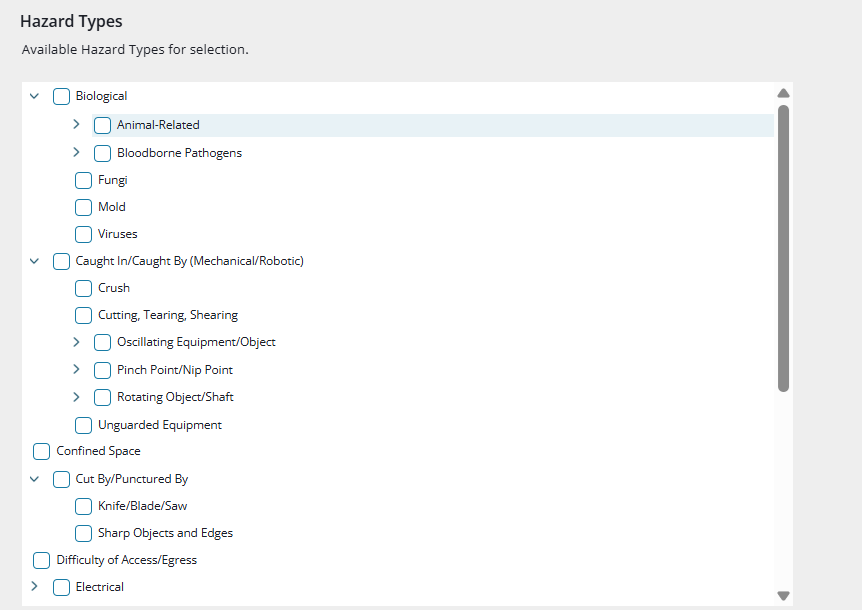
Using the Hazard Type Field
The Hazard Type field helps you identify and categorize the main source of potential harm during an incident or near miss. Each hazard type, such as chemical, physical, biological, ergonomic, psychosocial, or environmental, represents a different kind of risk your organization may face.
By selecting the right hazard type, you help your team analyze trends, strengthen investigations, and take focused preventive actions. This consistency makes it easier to understand what is happening across your workplace instead of relying on individual stories or assumptions.
How It Helps You
1. Improve Risk Visibility
Using the Hazard Type field gives you a clearer view of where risks are coming from. When everyone logs incidents with consistent hazard types, patterns start to stand out, such as an increase in “slip, trip, and fall” hazards that point to flooring or housekeeping issues instead of isolated worker behavior.
2. Strengthen Root Cause Analysis
Each incident you record is connected to a hazard category, helping you trace back to the true root cause faster. This structure supports deeper investigations and makes corrective actions more effective
3. Support Regulatory Compliance
Many safety standards, including OSHA, require hazard classification. Using this field ensures your data aligns with compliance requirements and remains easy to review during audits or internal checks.
4. Drive Data-Based Decisions
Over time, hazard data builds a detailed picture of your organization’s risk profile. You can track which hazards occur most often, compare them with severity levels, and use that information to prioritize safety initiatives and resource planning.
Where to Find It
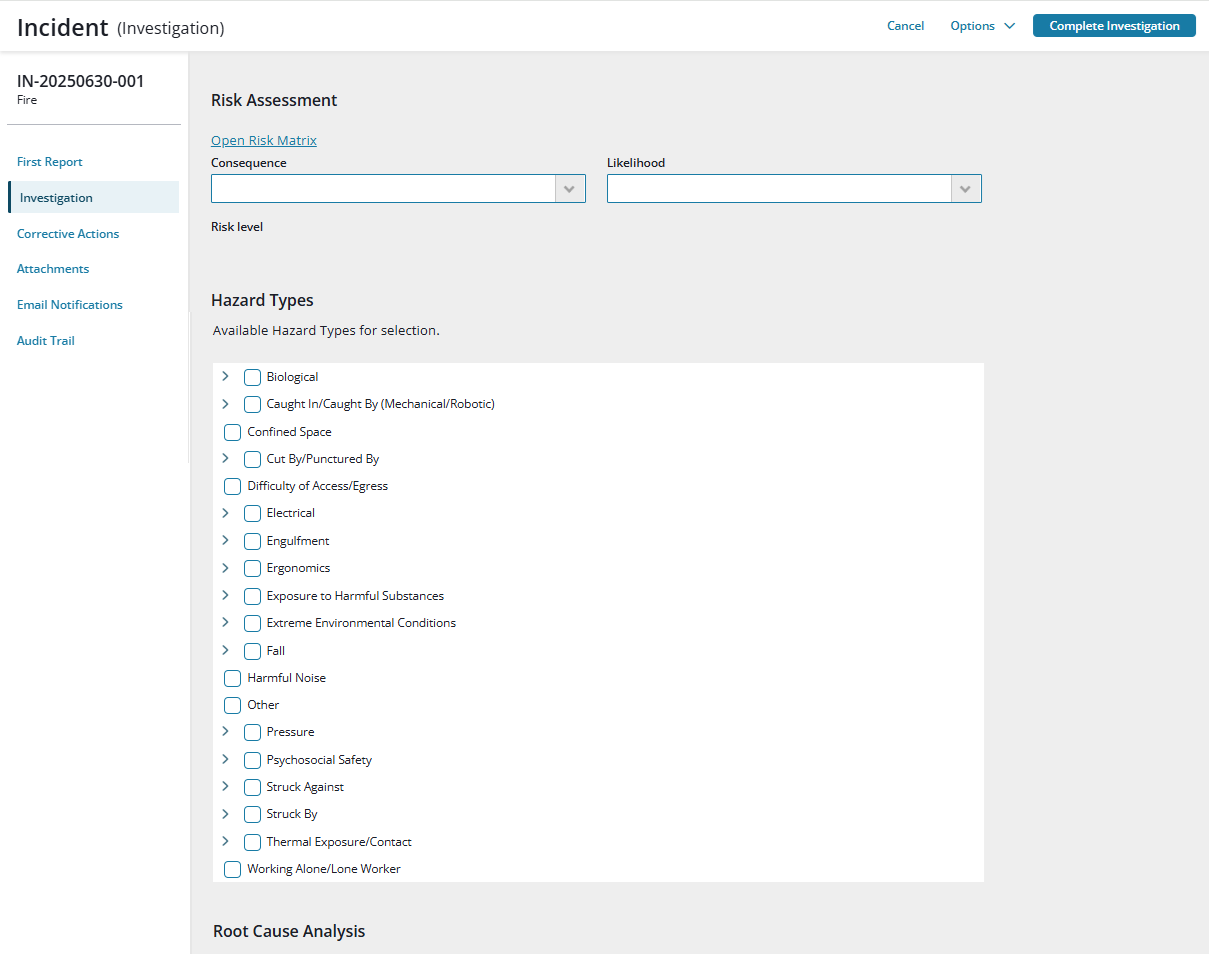
You will find the Hazard Type field in all incidents and near-miss reports within the Incident Management capability in Accelerate. It appears between the Risk Assessment and Root Cause Analysis sections of the Investigation page.
The field is and includes a hazard tree with standard categories to help you get started.
- Any time a selection within the Hazard Type field is added, updated, or removed, the change is recorded in the Audit Trail.
- Hazard Types can also be used in Advanced Reports and Dashboards to track key indicators like SIF and PSIF frequency. (Reports coming soon.)