

Backup
How do I print safety data sheets for a location?
In order to print all the safety data sheets for a specific location, both of the following must be true:
- You’ve assigned the safety data sheets to that location in your account. See Assigning Products to Locations for more information.
- You’ve downloaded and configured the Chemical Management Desktop Application. See Backing up your account for more information.
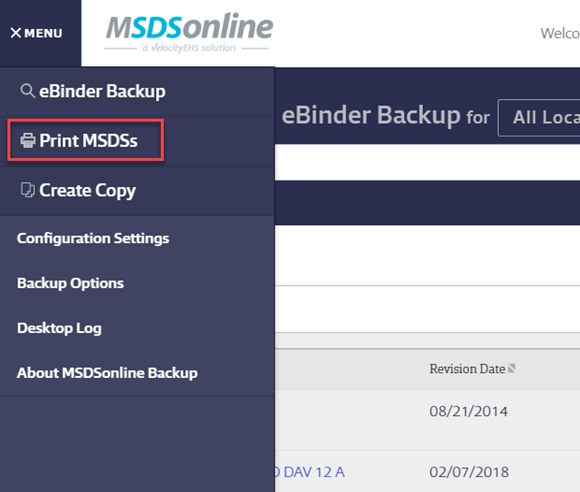
Open the Chemical Management Desktop Application on your computer. Click the Menu button and select Print SDSs.
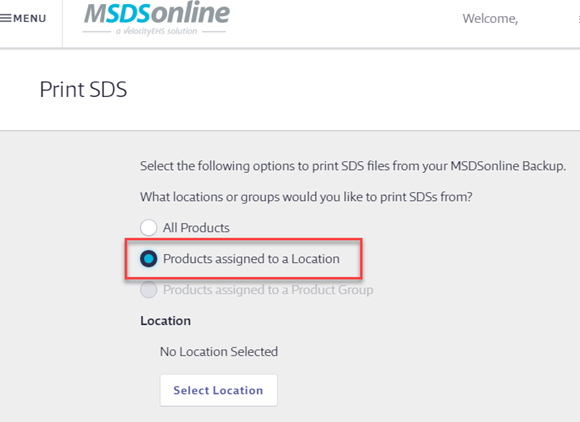
On the Print page, select Products assigned to a Location.
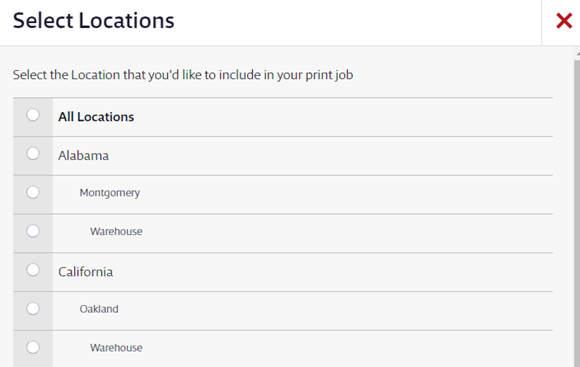
Click Select Location, and then select the location for which you want to print the SDSs. Click Apply.
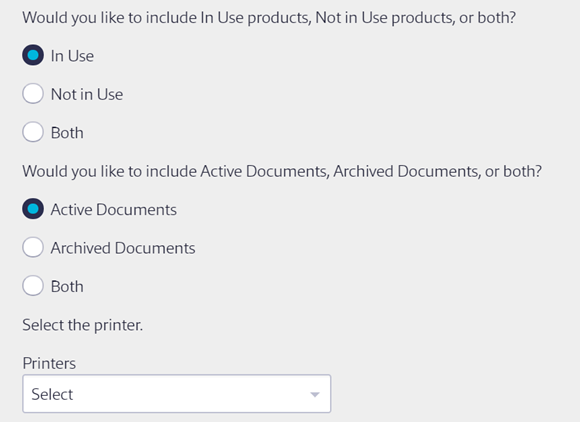
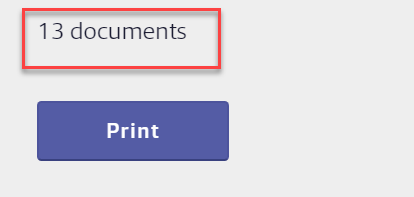
Select your printer from the Printers drop-down menu, confirm the number of documents, and select Print.
For more information about printing, multiple safety data sheets see Printing Multiple Safety Data Sheets.
Was this helpful?
Thanks for your feedback!
