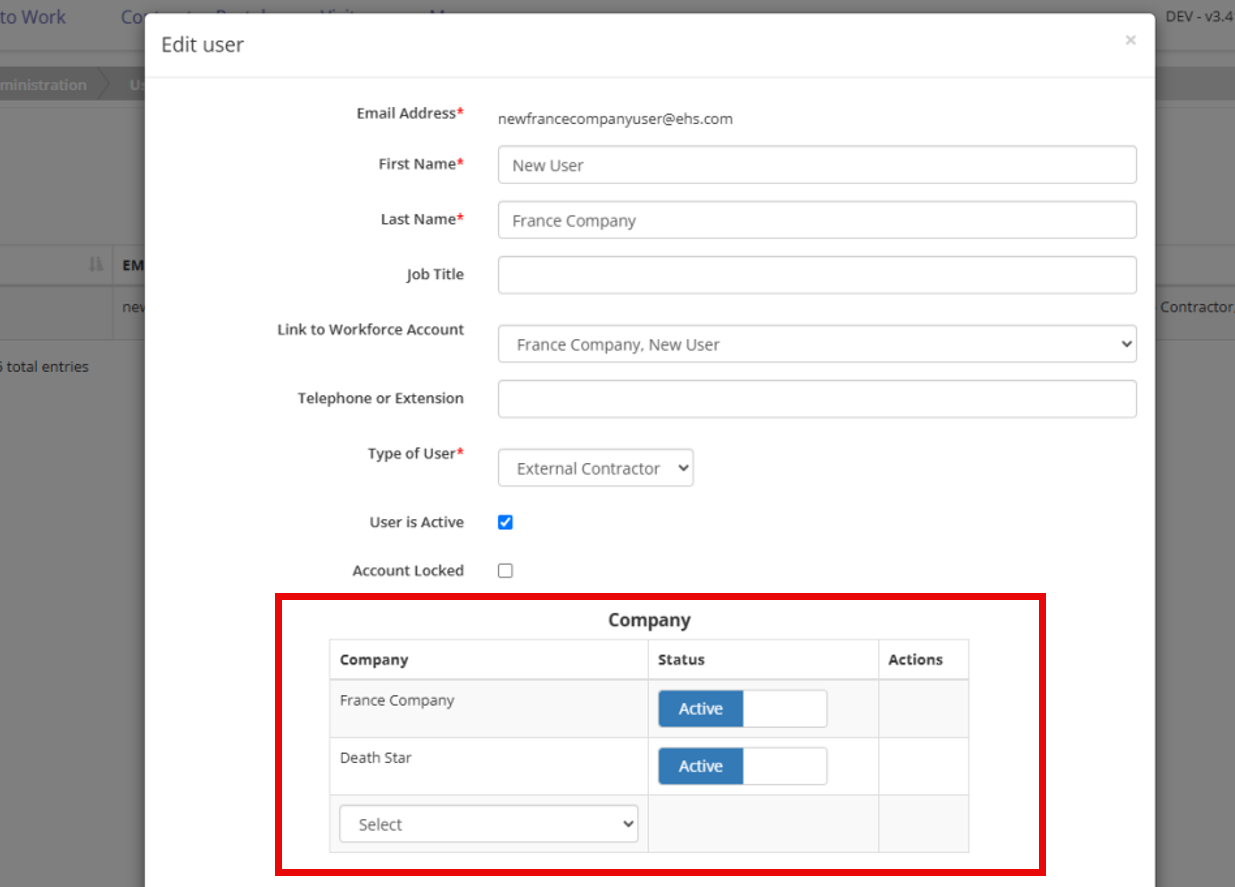

Manage Multi-Company Workforce
Add a New Workforce Member
Workforce is added and managed from Company Details > Company Workforce.
- Open the applicable company.
- Navigate to Company Details > Company Workforce.
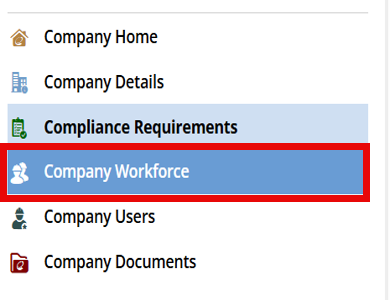
- Select Add New.
- Enter the required workforce information, including the email address.
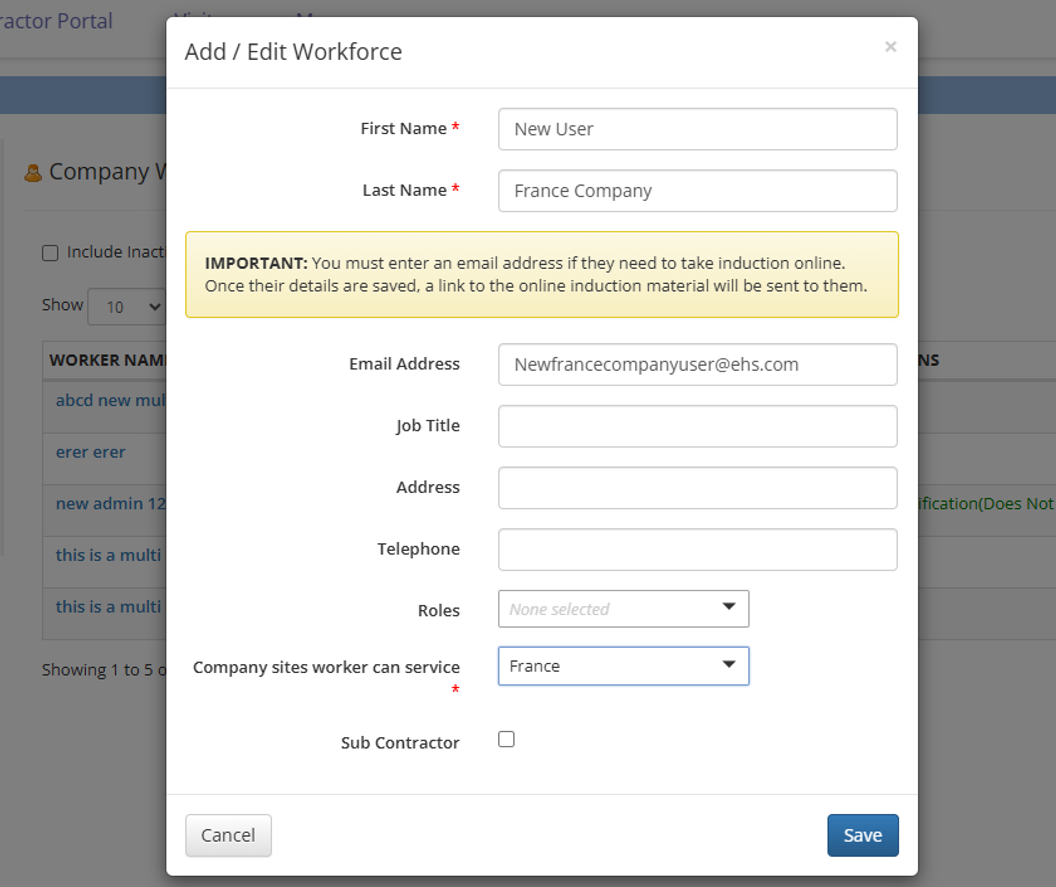
- Save the workforce member.
If the email address does not match an existing workforce record, the system creates a new workforce record.
If Create Accounts when adding workforce is enabled, adding a new workforce member with an email also creates a matching portal user account and assigns applicable default course access. If the setting is disabled, only the workforce record is created.
Add an Existing Workforce Member to Another Company
Use the same Company Workforce process when the workforce member already belongs to another company.
- Open the company that needs to add the workforce member.
- Navigate to Company Details > Company Workforce.
- Select Add New.
- Enter the workforce member’s information.
- Enter the exact email address associated with the existing workforce record.
- Save the workforce member.
When the email address matches, the system associates the new company with the existing workforce record instead of creating a separate person.
Important
Confirm the email address before saving. After the workforce record is created, the email address cannot be edited. An incorrect email address can create a separate, unlinked workforce record.
If the workforce member already exists within the selected company, the system displays:
This workforce already exists in this company.
Activate or Deactivate Workforce by Company
Workforce active status is maintained separately for each company.
Deactivating a workforce member under one company does not affect their workforce status under another company.
To change workforce status:
- Open the applicable company.
- Navigate to Company Details > Company Workforce.
- Locate the workforce member.
- Activate or deactivate the workforce member for that company.