

Imports
Importing User Data
Importing user data allows you to efficiently create or update multiple user records at once, reducing manual entry and ensuring consistency across your organization.
Any Global and System Administrator can import users.
To import a user data file:
- Go to Admin and select (Personnel) Import Users.
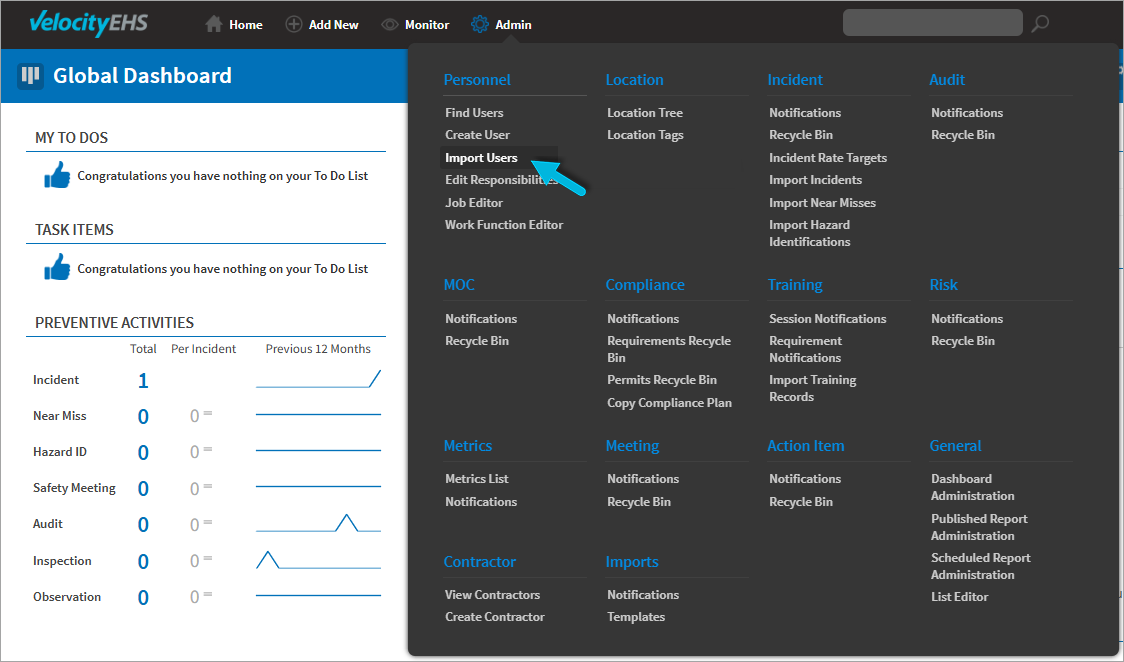
- Select New Import.
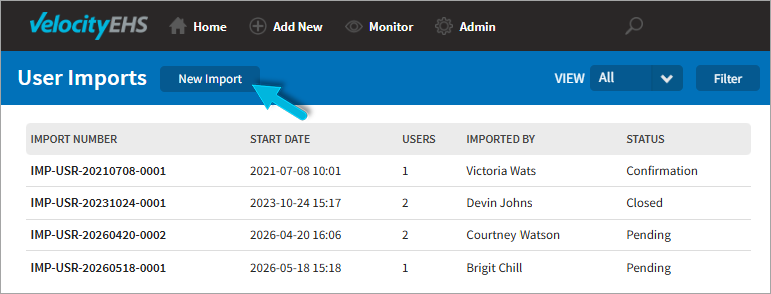
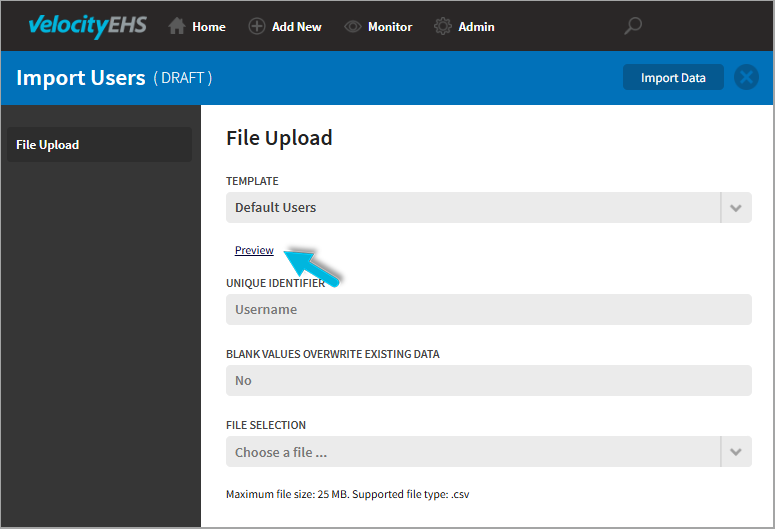
- On the File Upload page, select the file Template you want to use.
- Select Preview to download the template.
- Populate the template with user data and save it.
- Under File Selection, select your completed file.
- Select Import Data at the top of the page to upload the file. The User Imports page redisplays and shows the current Status of the import (Pending). (See the chart below for a summary of status definitions and required actions.)
- When the status changes to Confirmation, select the Import Number to review the import details.
- Select Errors to identify and resolve any issues. Note that all errors must be resolved before the import can be processed.
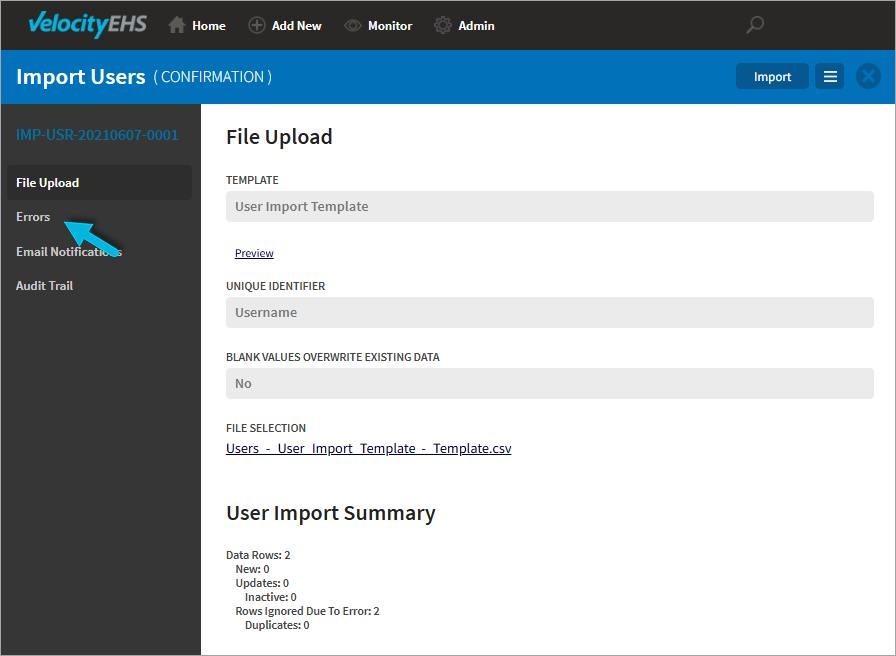
- Select Import at the top of the page to begin the import. The status changes to Processing.
- When the import is complete, the status updates to Closed. Verify that the user data was imported successfully.
- Go to Admin and select (Personnel) Import Users.
Import status progression
After uploading your file, the import progresses through several statuses.
Status | Description | What you should do |
Pending | File has been uploaded | Wait for the status to change to Confirmation. If it does not change within 24 hours, contact Customer Support. |
Confirmation | File is ready for review | Select the imported file, review errors, correct issues, and then select Import. |
Processing | Import is in progress | No action required. |
Closed | Import is complete | Verify that the users were imported successfully. |
Was this helpful?
Thanks for your feedback!
