
Managing Locations
Accelerate Operational Risk locations originate in Accelerate > Admin Settings > Locations, and most location edits (including changing the status) can only be made there. (See Understanding Locations for more details.)
This article describes the limited updates that can be made within Operational Risk.
Navigating Locations
Location data is organized into a hierarchical “tree” by organizational units, locations, sites, assessments, and other site-specific data elements. Security permissions are defined at the highest-level location and apply to all sub-locations. Data is shared from every location into its parent locations and is used in reporting.
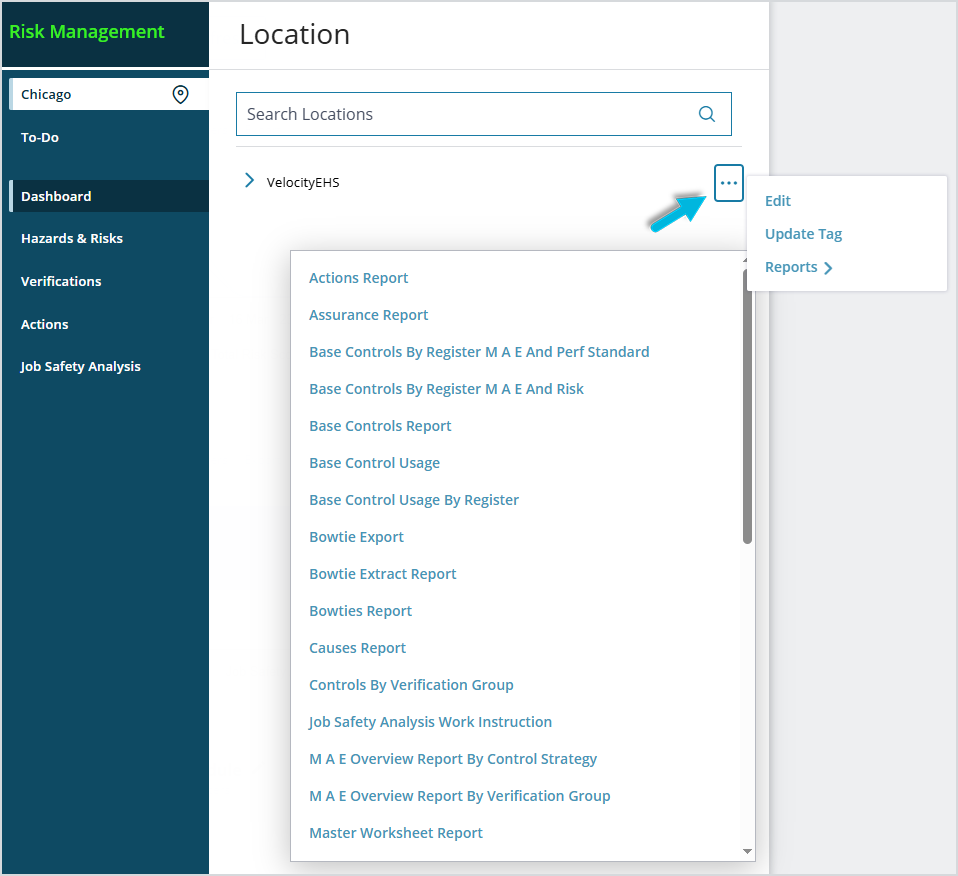
To view the list of existing Operational Risk locations, select the section in the menu marked by the location icon. To change the location you’re currently working with, navigate through the “tree” (manually or using the search bar) and select a location row.

Users with proper system administration security permissions can left-click the ellipsis icon (…) next to a location to
- change the location’s owner,
- update the tag/type associated with it,
- and run reports.
Edit the location’s owner
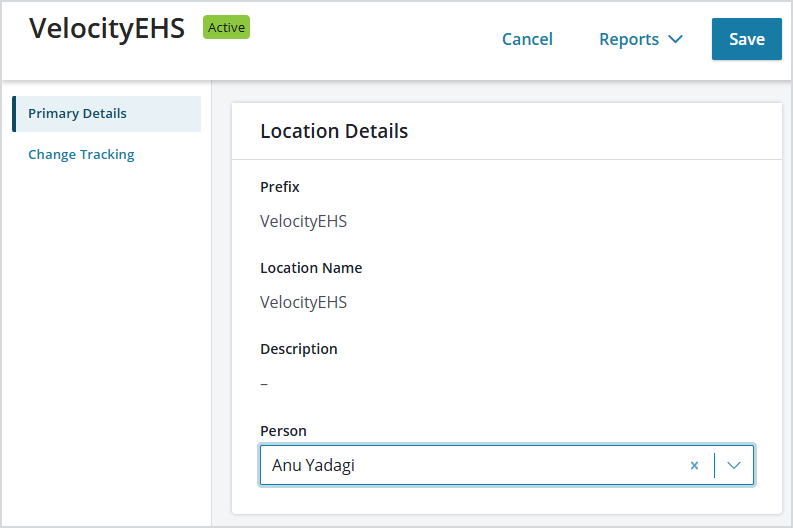
To update the name of the Person who is the owner of the location within the system, left-click the ellipsis icon (…) next to the location name and select Edit. On the Primary Details tab, update the name, and then select Save.
Edit the location’s type/tag
Location types/tags are defined in Admin > Global Setup and are used to group locations together for reporting purposes.
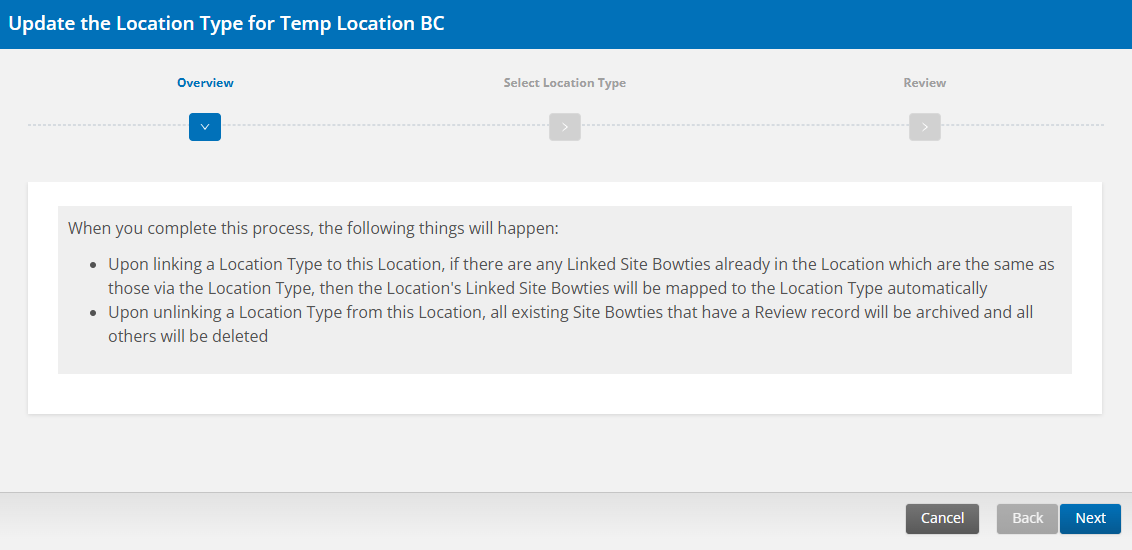
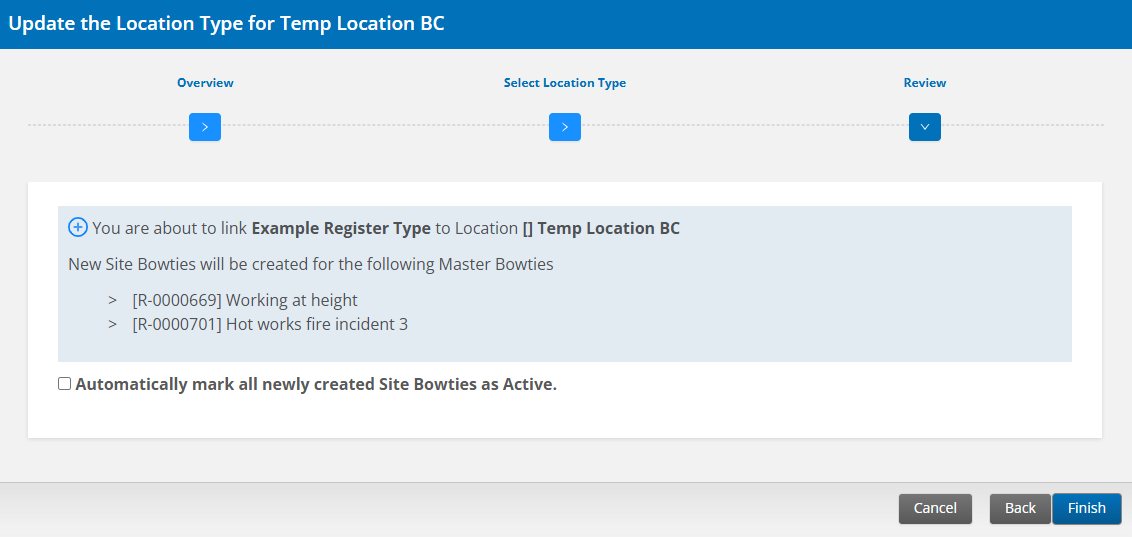
To update the location’s tag/type, left-click the ellipsis icon (…) next to the location name and select Update Type/Tag.
- To begin the update process, select Next.
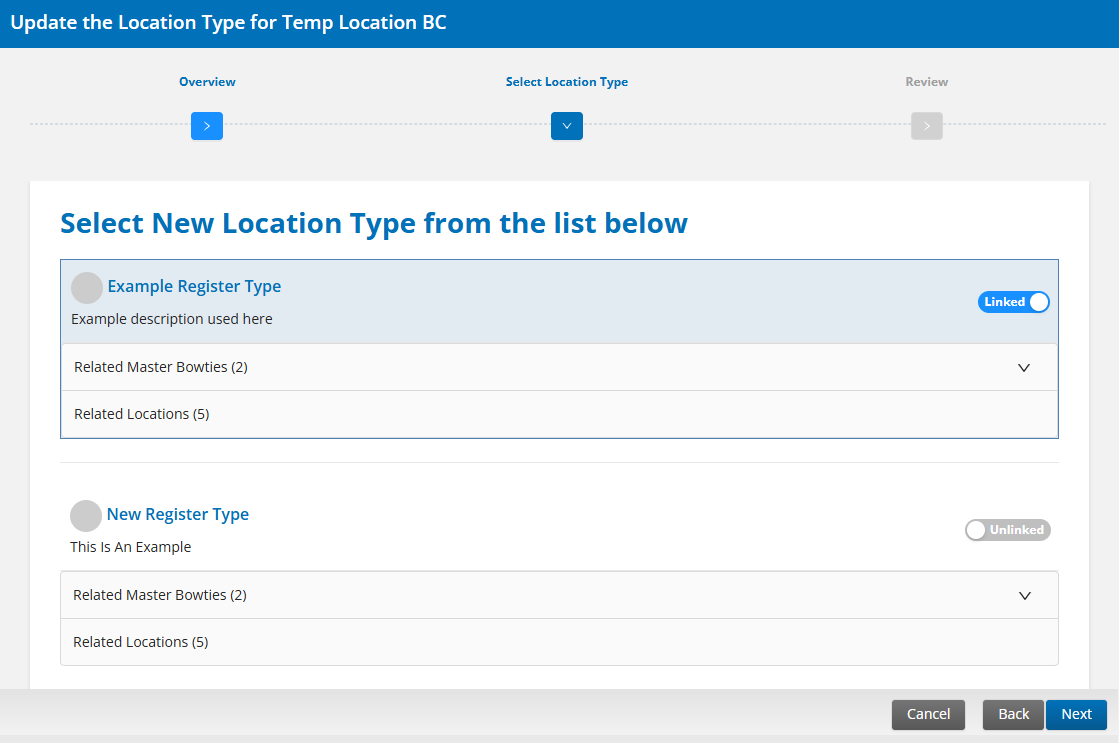
- Toggle the Unlinked/Linked switch to Linked for the location type(s)/tag(s) you want to select, and then choose Next.
- Confirm your changes and select Finish.
- To begin the update process, select Next.
Run reports
To run reports for a location, left-click the ellipsis icon (…) next to the location name, select Reports, and then choose a report.