

FAQs
How do I create a custom location group?
To create a custom location group
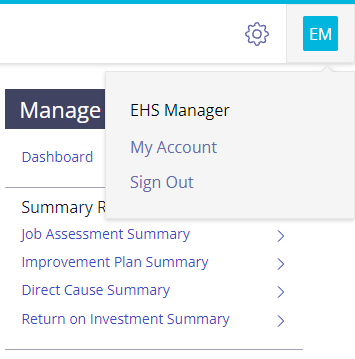
- Select your account identifier (your initials) in the upper right corner of any page, and select My Account.
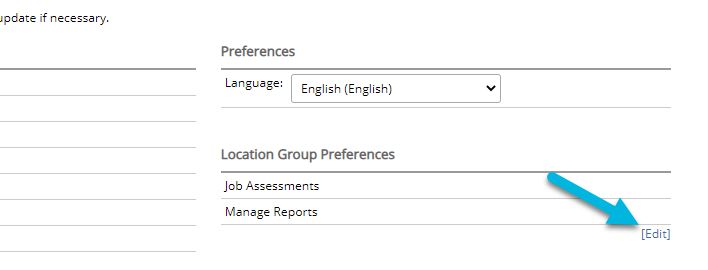
Select Edit under Location Group Preferences.
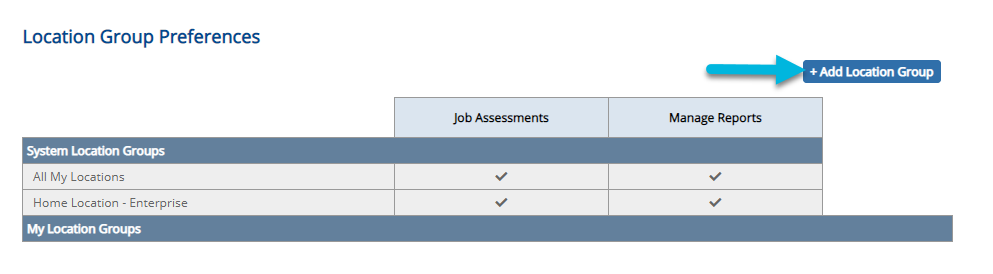
- Select Add Location Group.
- Name your location group and then select the locations you want to add to the group. Select OK.
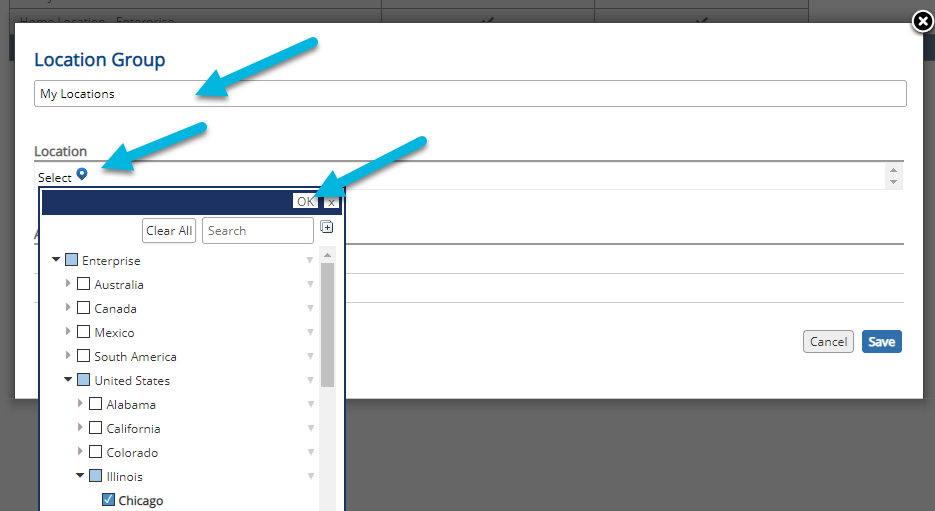
Select Save. By default, your custom location group(s) will be available for selection on the Job Assessments page and on reports pages.

- Select your account identifier (your initials) in the upper right corner of any page, and select My Account.
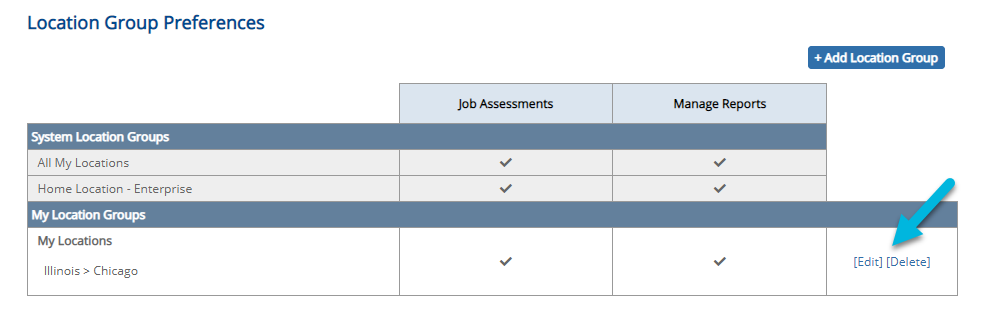
To edit or delete an existing custom location group
Select Edit or Delete.
Was this helpful?
Thanks for your feedback!
