

Follow these guidelines for best results when recording a video of a worker performing a hand/wrist-intensive task for use in an AI Hands and Wrists Assessment.
Recording Guidelines
Camera Position
- Position the camera so that both of the worker’s hands are clearly visible for as much of the work cycle as possible. Ensure the hands and forearms are not blocked by machines, tools, other body parts, or workstation fixtures.
- When possible, keep the tool or object visible at the point of hand contact so it is easy to see how the worker holds, grips, and manipulates it.
- Ideally, record from a front view. If that is not possible, use a side view. Avoid over-the-shoulder views whenever possible.
Camera Distance and Background
- Position the camera close enough so that the hands and forearms fill a reasonable portion of the frame. Hands that appear small in the video are harder to analyze accurately. Aim for a distance where individual fingers and grip positions are distinguishable.
- Only one worker should be visible during the work cycle. Avoid other workers’ hands or bodies in the background, as additional people in the frame can interfere with accurate detection.
Stable Camera and Good Lighting
Keep the camera as steady as possible throughout the recording. Make sure the work area is well lit and that there is enough contrast between the worker’s hands and the background or workstation, so that the hands are easy to see.
Use High-Resolution Video
Use a phone or camera that records high definition (HD) or better. Low-resolution videos make small hand movements and finger positions harder to analyze accurately.
Phones that typically support HD or higher-quality recording include the following.
Brand | Models |
iPhone | iPhone 12/12 Pro and newer, including iPhone 13 – 16, and iPhone SE (second, third generation) or newer models |
Google Pixel | Pixel 6, 6a, 7, 7a, 8, 8a, 9, 9 Pro, 10, and 10 Pro or newer models |
Samsung | Galaxy A12, A52, A53, and Galaxy S21/S22/S23/S24 series or newer models |
Examples
Here are some examples of good and poor images that show how the video should and should not be captured.
Good Images
- Both hands and forearms are clearly visible and close to the camera, and the objects being handled can be seen at the point of contact:
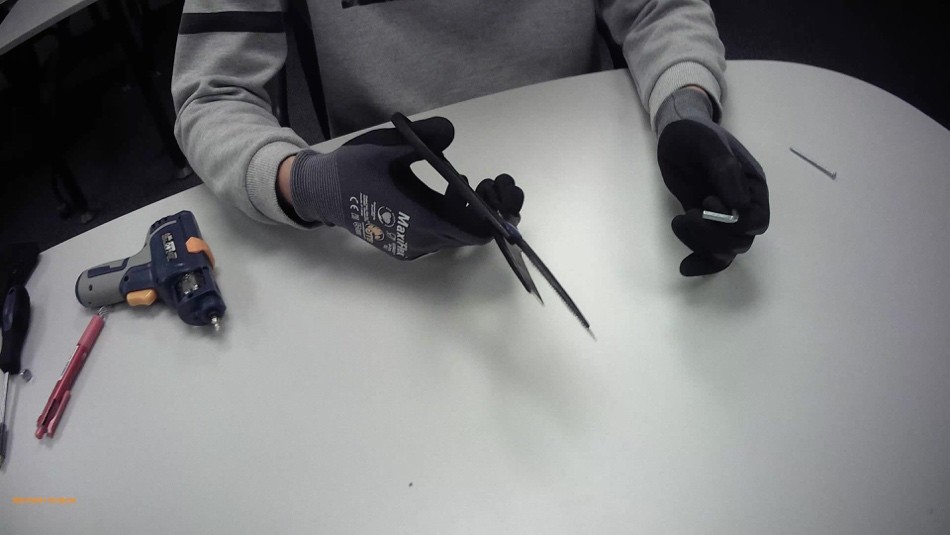
- The hands are close enough to the camera to clearly see hand posture and grip, with a clean background:
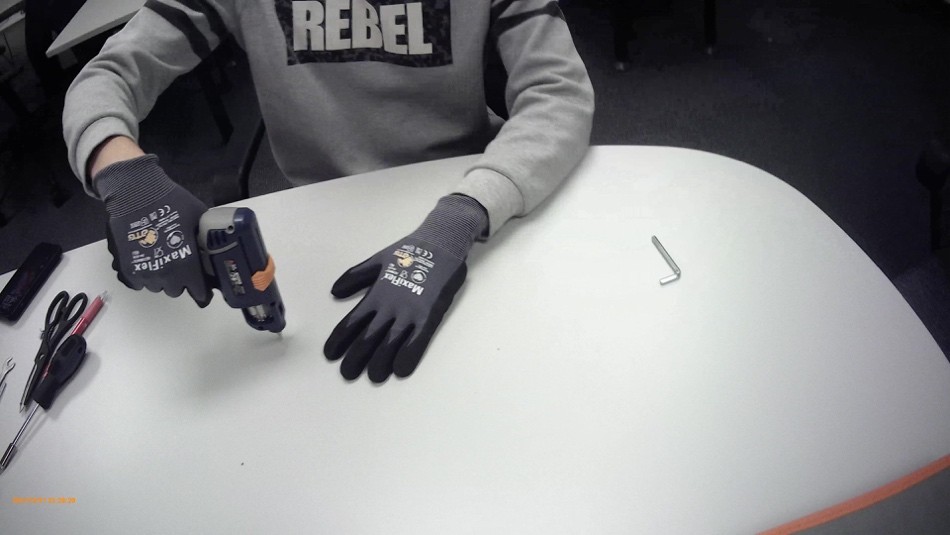
- Both hands remain visible during tool use, and the grip and object contact are easy to see:
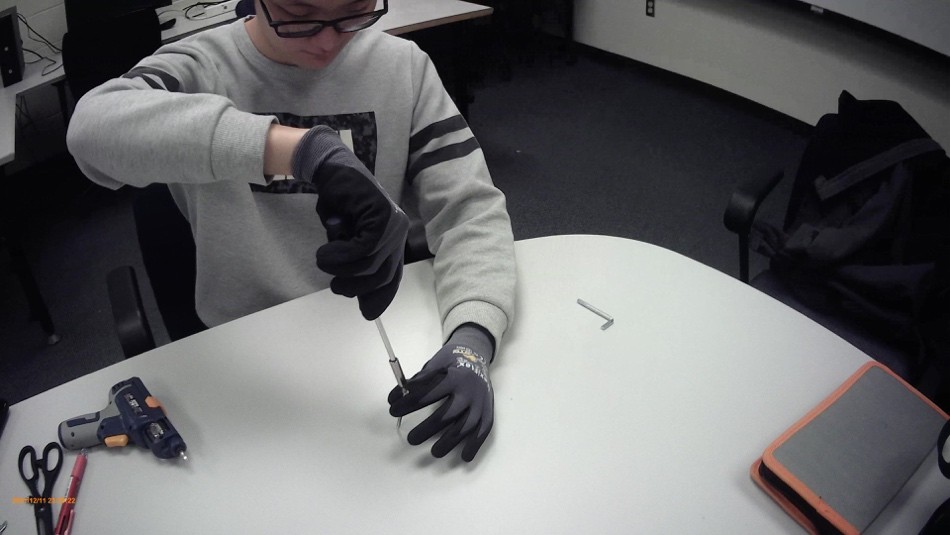
- Side view clearly shows both hands, the tool, and the point of contact without obstruction:
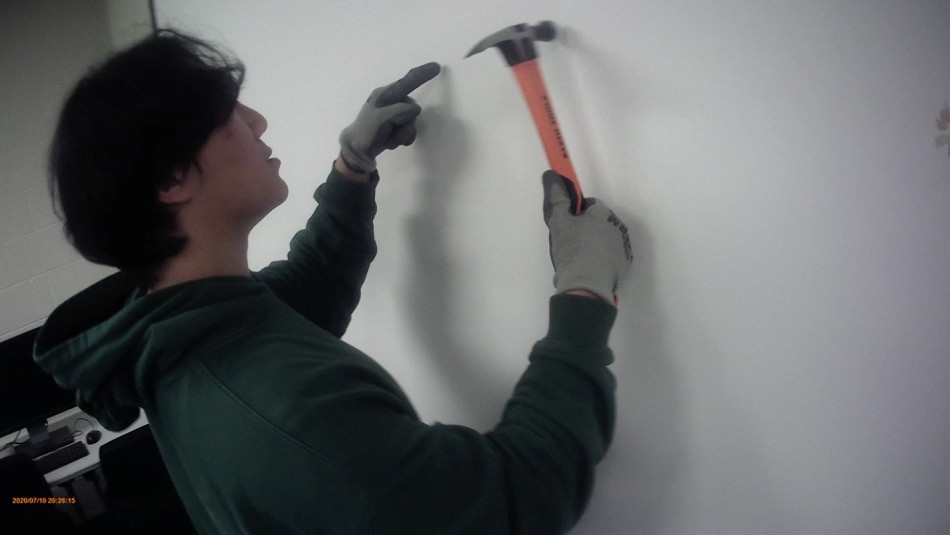
- Both hands and forearms are clearly visible and close to the camera, and the objects being handled can be seen at the point of contact:
Poor Images
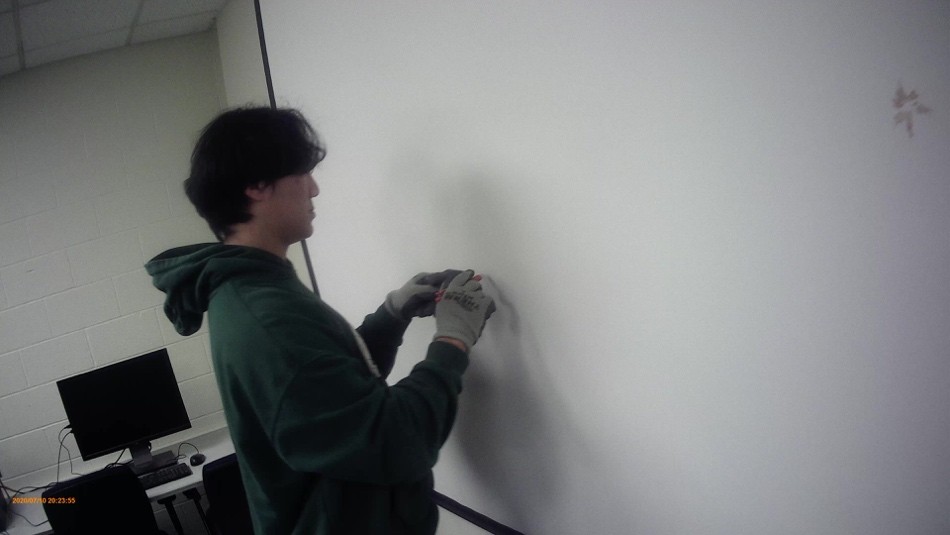
- The left hand is blocked by the right hand, and the right-hand grip and tool contact are not clearly visible:
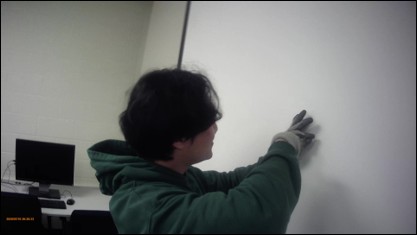
The worker’s body blocks part of the right forearm:
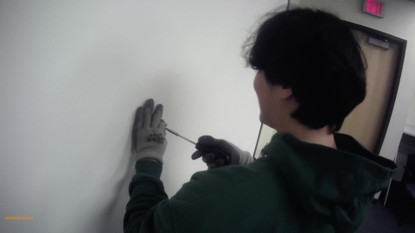
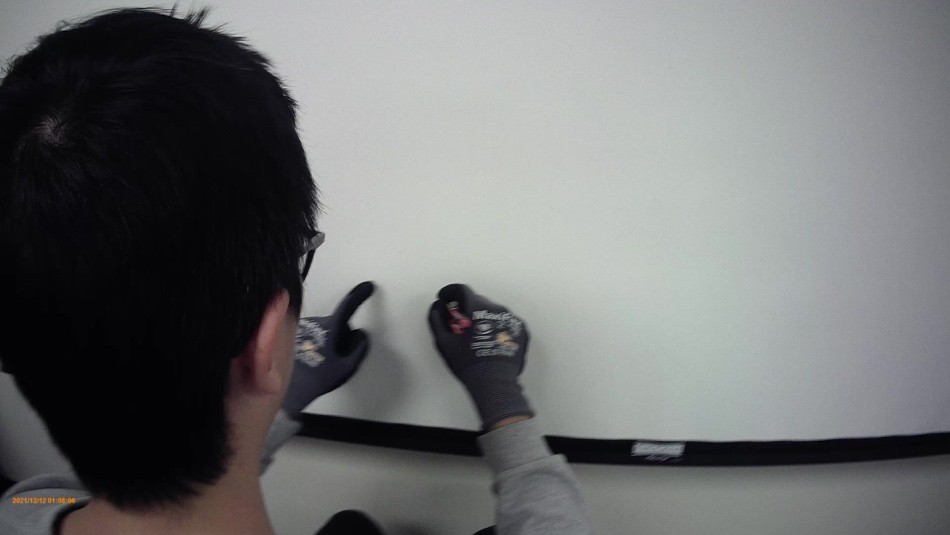
- The worker’s head blocks part of the hands and contact area:
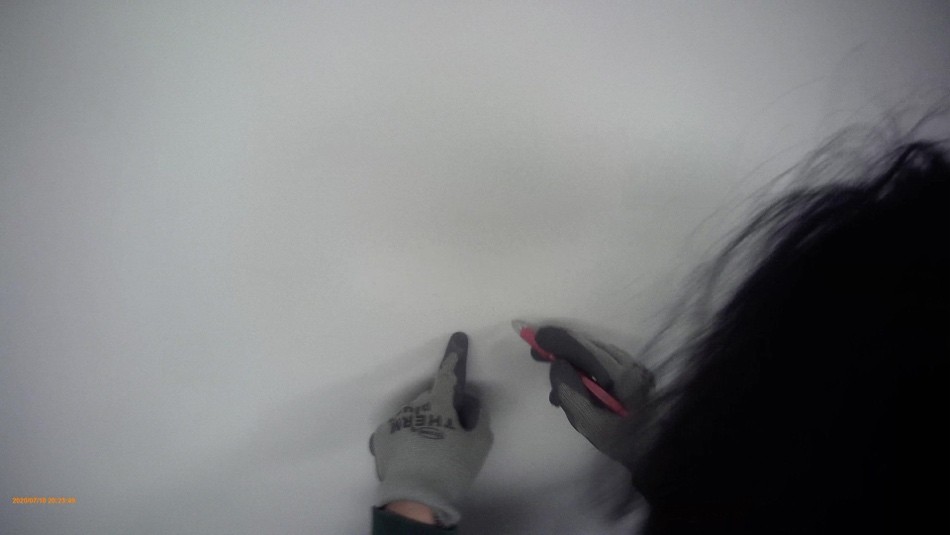
- The right-hand grip is not visible and hand contact with object is not clear:
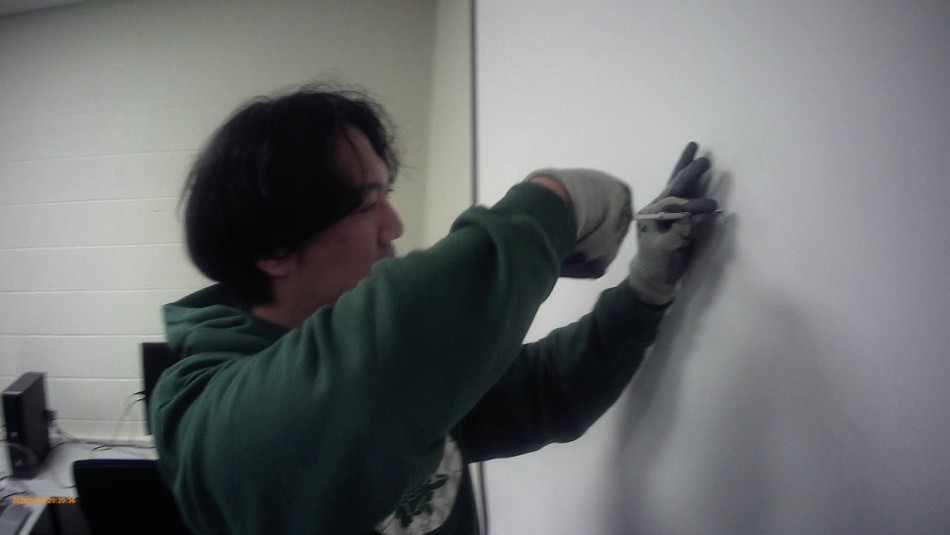
- The worker’s head blocks part of the left arm and hand:
- Camera is too distant, and the grips of the hands are not clearly visible:
- The left hand is blocked by the right hand, and the right-hand grip and tool contact are not clearly visible: