

Administration
Customizing the Navigation Menu
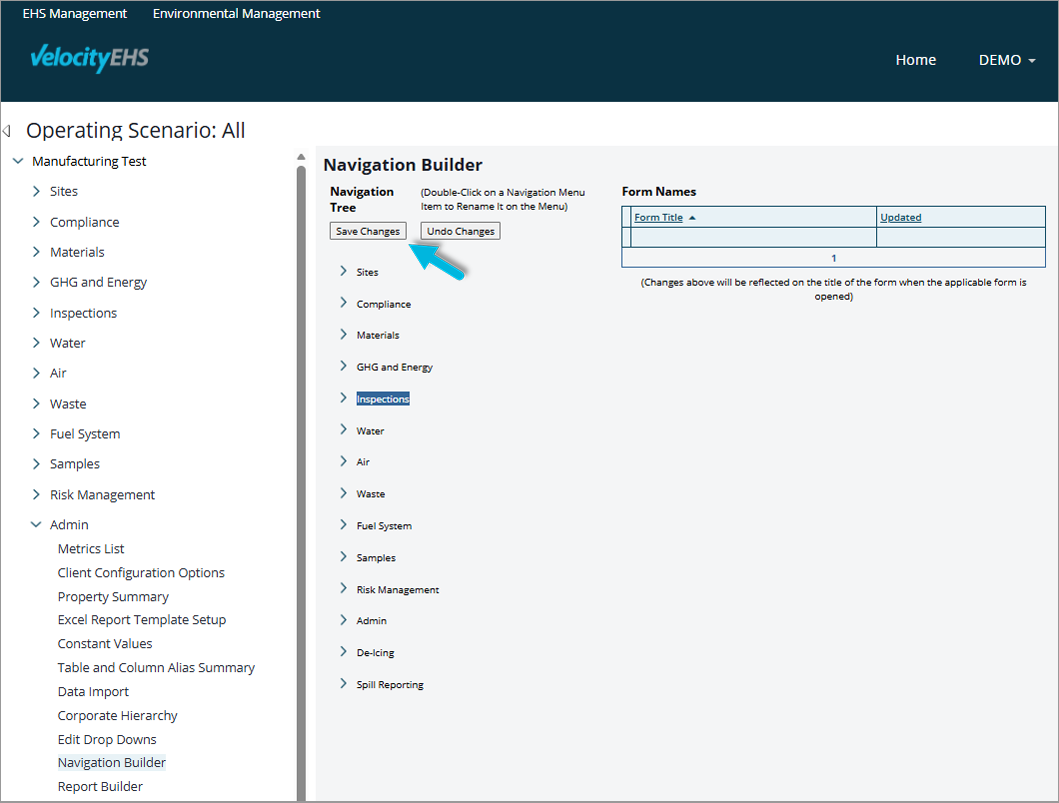
You can use the Admin > Navigation Builder page to rename and move menu items to organize them in a way that works best for you:
- To rename a menu item, double-click it, type the new name over the old one, and press Enter.
- To move a menu item, drag and drop it to a new location in the list.
- To save your updates, choose Save Changes at the top of the page.
Was this helpful?
Thanks for your feedback!
