Create a New JSA
This article describes how to create a new Job Safety Analysis in the Operational Risk solution.
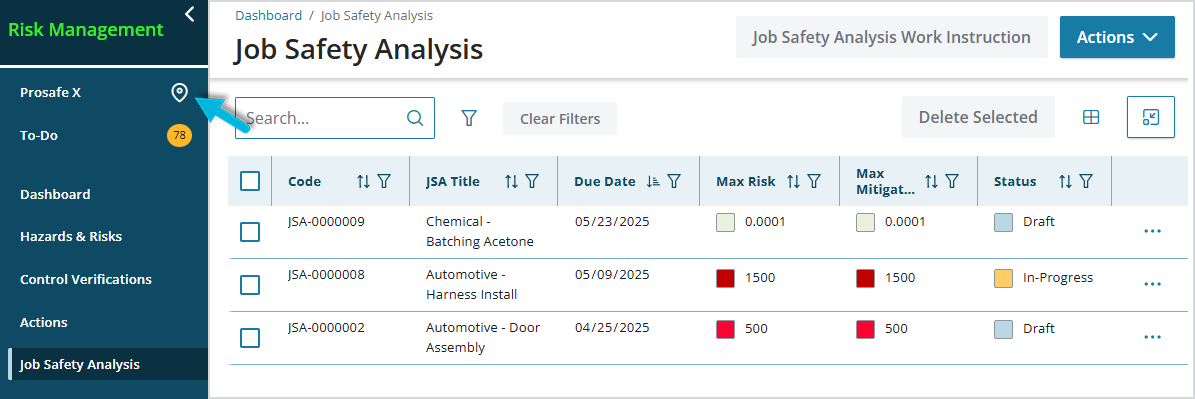
Job Safety Analyses are location-specific, so before creating a new one, verify that the location you’re currently working with is the intended one (“Prosafe X” in this example):
To create a new Job Safety Analysis:
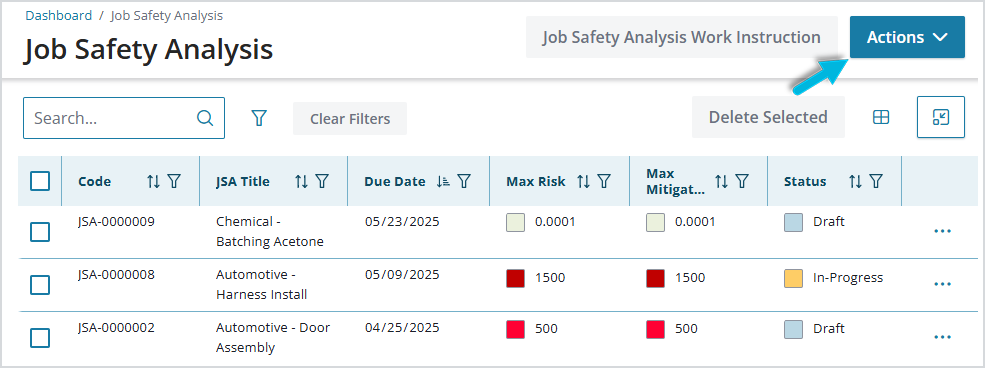
- Select Job Safety Analysis > Actions > Add.
- Add Primary Details (identifying information) for the JSA.
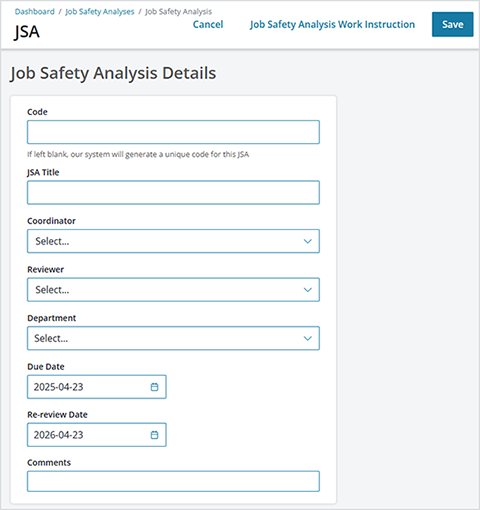
- Code – a unique identifier for this JSA. If blank, the system generates and assigns a code.
- JSA Title – the job or task for which the JSA is being done, for example, “Equipment inspection” or “Handling heavy objects in storage”
- Coordinator – the individual who is ultimately responsible for completing the JSA. This is the first person who will receive a notification to review the JSA, and the last person to review and publish the completed JSA.
- Reviewer – the individual who is responsible for the next step, reviewing and approving or rejecting the JSA
- Department – (defined in Administration > Local Setup) additional, optional category to help you organize JSA records
- Due Date – date by which the JSA must be complete
- Re-review Date – date on which the JSA is due to be re-reviewed. Regular, periodic review ensures continuous improvement and that the JSA remains up to date (for example, if jobs are modified or equipment and/or process has changed). The JSA Coordinator will see an item on their To-Do List when a published JSA reaches its re-review date.
- Comments – additional comments or notes that may be helpful to the coordinator and/or reviewer
- Select Save to save the JSA.
What happens next?
A newly created JSA has a Draft status. Typically, the next step is to send it to the designated Coordinator who is in charge of completing the assessment. Select Send to Coordinator at the top of the page; this changes the JSA status to In-Progress.
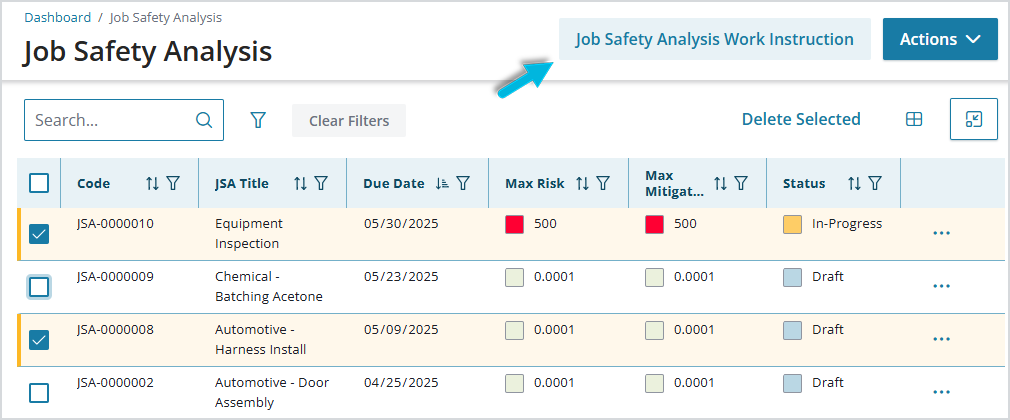
During the JSA process, Coordinators may find the Job Safety Analysis Work Instruction report helpful. This report reflects summary data for one or more JSAs and can be generated in multiple different formats (Word, Excel, PowerPoint, PDF, etc.).