

Location Data Copy
How to Access Location Data Copy
The Location Data Copy page lets you copy or move large amounts of data (SDS and containers) from one active location to another. This replaces the old Merge and Clone features.
In Chemical Management, the Location Data Copy feature is available within System Settings.
To access this feature, a user must be assigned an Accelerate role that includes the following policy:
Chemical Management – Manage Location Data Copy
If the user’s assigned Accelerate role does not include this policy, the Location Data Copy option will not appear in System Settings.
How to Search for Locations
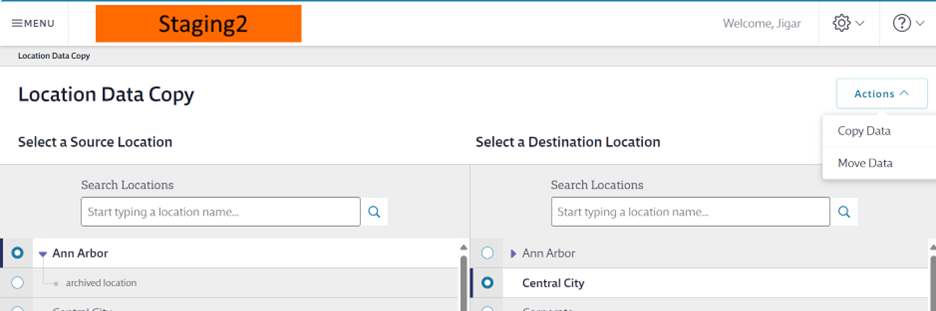
- Search for your source location in the Search Location box.
- Matching locations will show in a location tree.
- Select the Level 1 location name to expand and see more locations.

Move Data
Steps
- Select your source location and destination location.
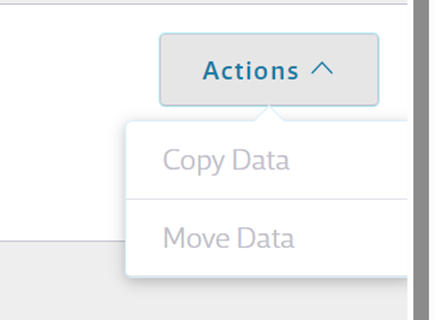
- Select Move Data under Actions.
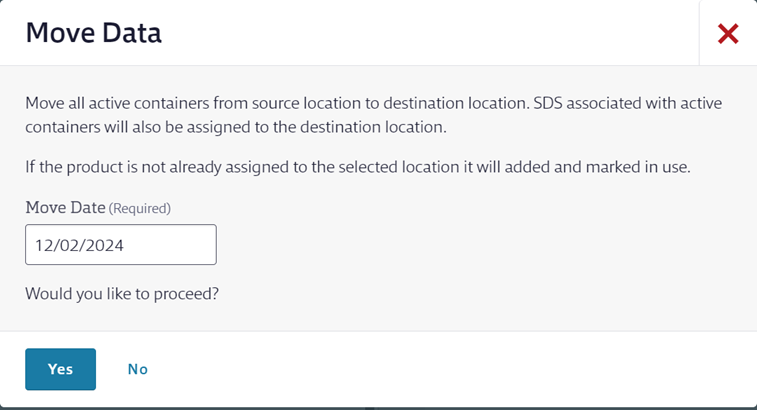
When asked, select Yes to confirm.
What Happens
- All active containers move to the destination location.
- SDS linked to those containers move too.
- SDS and containers are assigned up the hierarchy.
- Data is removed from the source location.
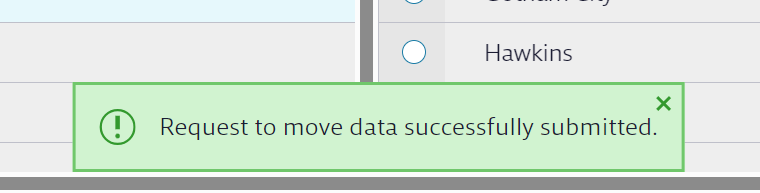
- A success message will appear for 5 seconds.
Copy Data
Steps
- Select your source location and destination location.
- Select Copy Data under Actions.
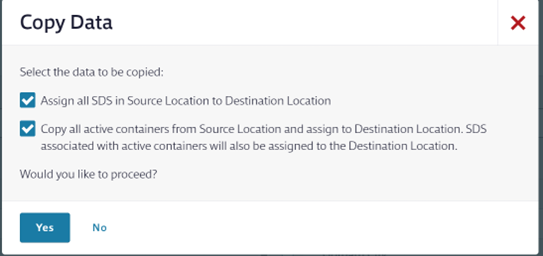
Choose one or both options:
Assign all SDSs in source location to destination location (copies only SDS documents)
Copy all active containers from source location and assign to destination location (copies both SDS and containers)
If you don’t select an option, the Yes button stays disabled.
Select Yes to copy.
What Happens
- SDS and/or containers stay in the source location.
- A success message will appear for 5 seconds.
